Velocer › Features › Anki and NotebookLM import
Velocer features
Bring your Anki decks, and your NotebookLM cards
Drop in an Anki package and your cards arrive with their pictures and sounds. NotebookLM flashcards come in as a CSV. And any deck you make in Velocer goes back out as an Anki file.
Try it free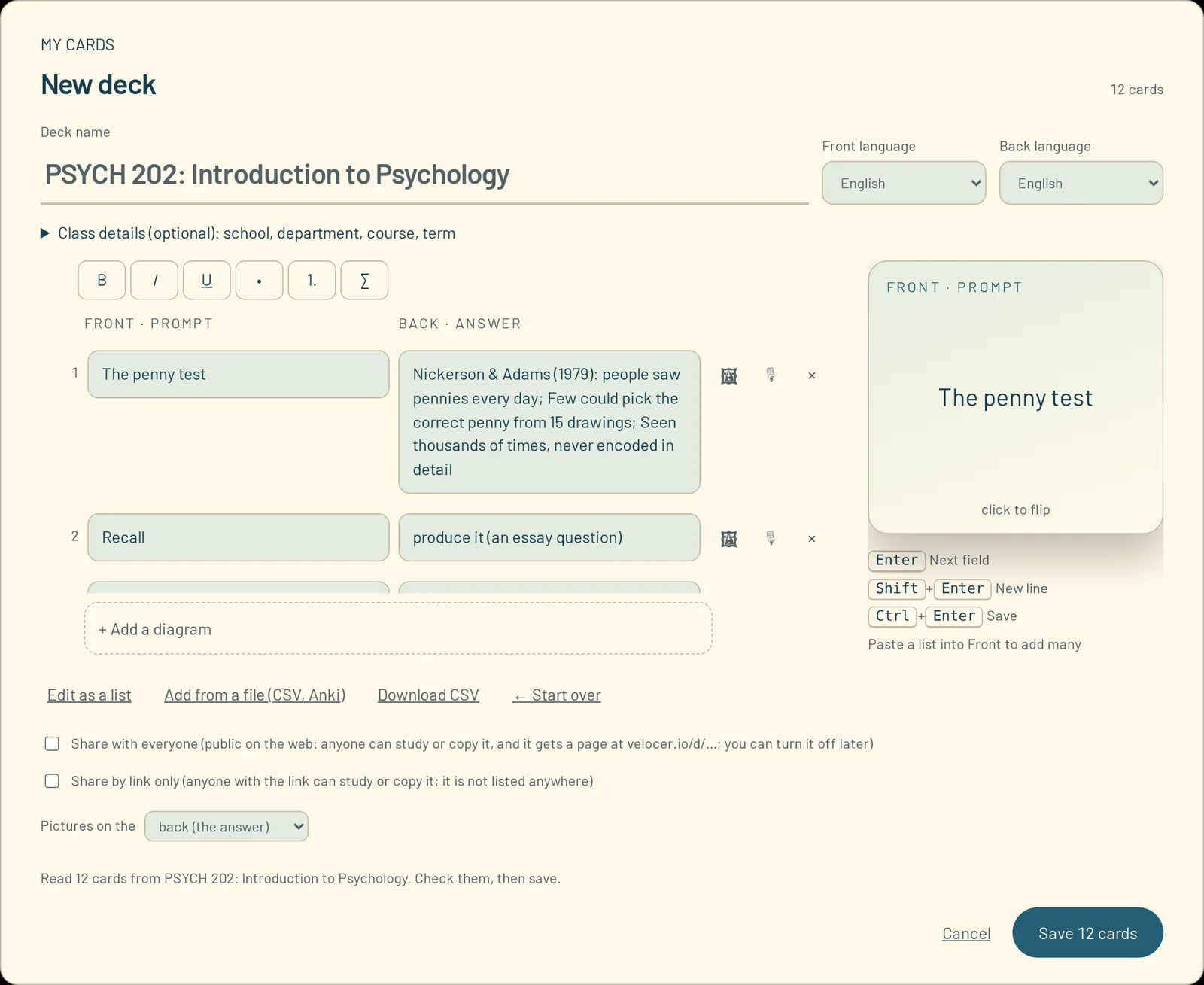
How it works
Export from Anki
In Anki, choose File › Export and pick Anki Deck Package (.apkg). From NotebookLM, export your flashcards as a CSV.
Drop the file in
In Velocer, open Library › Flashcards › Import from Anki or NotebookLM and drop the file. You see every card before anything is saved.
Study, and take it back out
Study the deck with spaced repetition, games and practice exams. On the web, Export for Anki (.apkg) in the deck's menu gives you an Anki file of any deck you made.
Who it is for
People who already have decks: years of Anki cards, a deck a friend shared, NotebookLM flashcards made from your own sources. Keep what you built and study it with games, a practice exam and a plan; export it back whenever you want.
Then study it your way
Your cards go into spaced repetition, five drill modes (ladder, sprint, in context, own words, dictation), five games, a scored practice exam and a study plan paced to your exam date. Study with ambient music and the background you like. Velocer works in any browser and keeps your progress in step across your devices; the iPhone and Android apps are on the way, and the Chrome extension sends a page or a Canvas file straight in.
Free and Plus
- Import and export are free
- 1 GB for pictures and sounds
- Everything in Free
- 10 GB for pictures and sounds
Questions
- Do pictures and sounds come with the cards?
- Yes. They are read from the Anki package and kept with each card.
- Does my Anki review history come too?
- No. The cards start fresh in Velocer; your history stays in Anki.
- Which files work?
- Anki packages (.apkg and .colpkg), NotebookLM flashcards as CSV, and plain CSV or text with a front and a back.
- Can I go back to Anki?
- Yes. On the web, open a deck you made and choose Export for Anki (.apkg). In Anki, choose File › Import and pick the file.
More you can do with your material
Decks to start with
Not ready to upload anything? Flashcard decks shared by learners: course decks by school, such as UW–Madison, and language flashcards by topic with example sentences, from Spanish and Japanese to Bengali and Swahili. For what the research says about studying, read Atlas Nova.