Start from what you already have.
Slides, a recording, last year's Anki deck, the syllabus: each one becomes something to study.
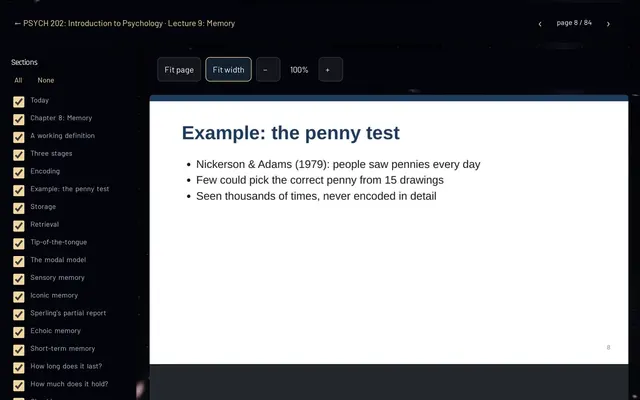 PDF and slidesPick the sections; get cards you can edit.
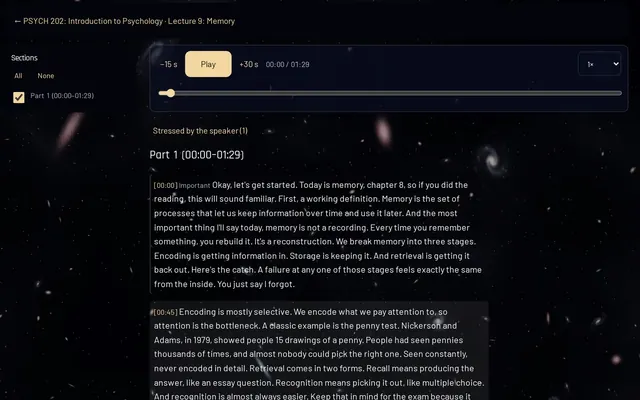 Lecture recordingsA timed transcript, what was stressed, and cards.
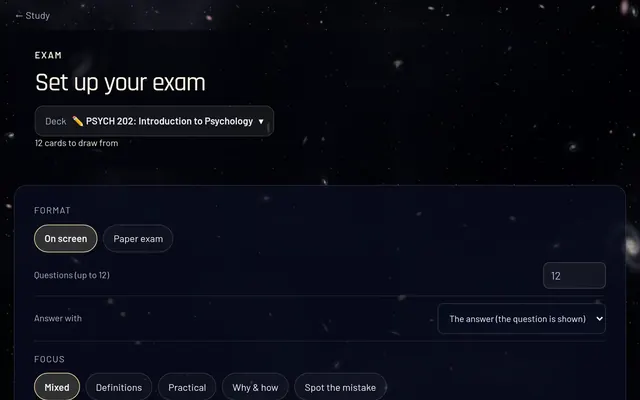 Practice examsA scored test from your own notes, on screen or paper.
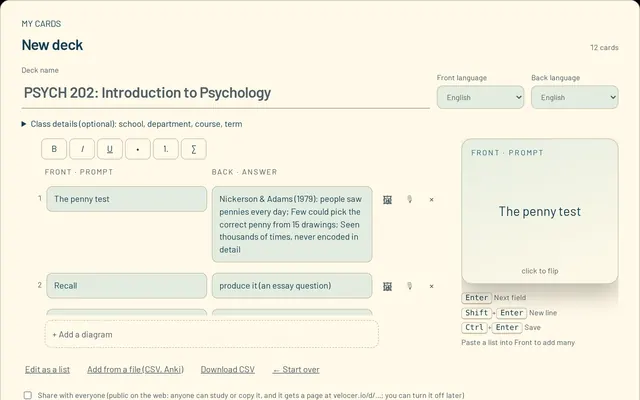 Anki and NotebookLMBring decks with pictures and sound. Export back any time.
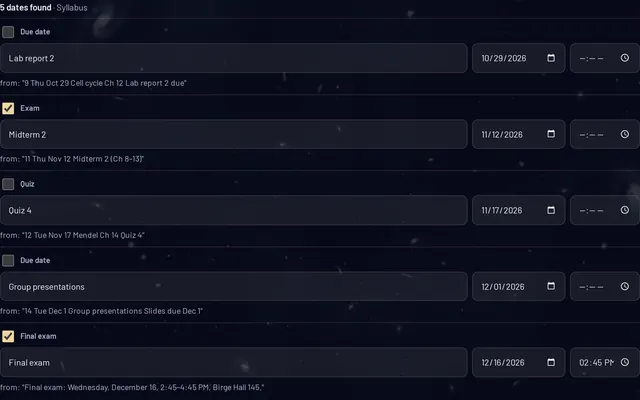 Syllabus to planYour exam dates found, and a plan on your calendar.
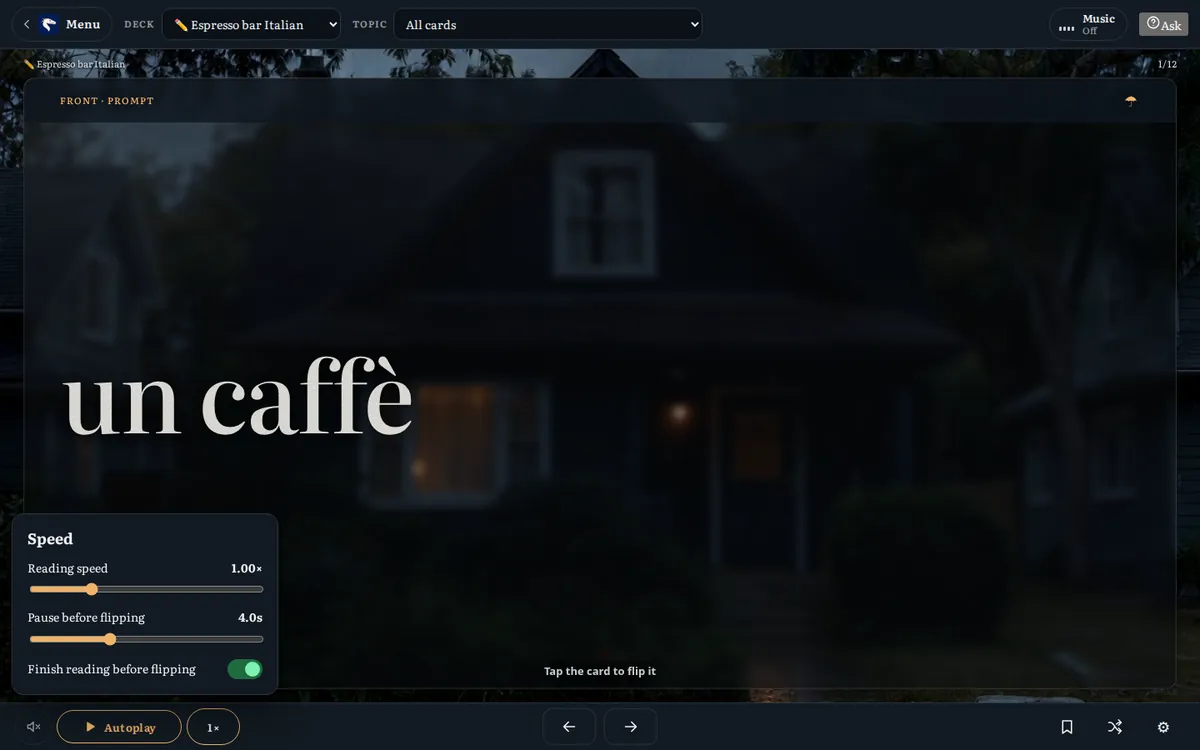
Ambient music, backgrounds, your own speed, and games.
For whatever you're learning: a place to study it the way you like.
Questions, answered.
Is Velocer free?
Yes, to start. Studying your cards, the games, practice exams and spaced repetition are free. Plus ($9.99 a month or $59.99 a year) does more of the AI work: more pages made into cards, more lecture minutes and more study guides.
What can I turn into flashcards?
PDFs (scans too), Word files, photos of pages, lecture recordings up to 90 minutes, Anki decks, CSV files and plain lists. You can edit every card it writes.
How is Velocer different from other flashcard apps?
It starts from your own material. Your slides, notes and lectures become cards, a study guide and a scored practice exam, and spaced repetition and five games keep them fresh.
Does it work on my phone?
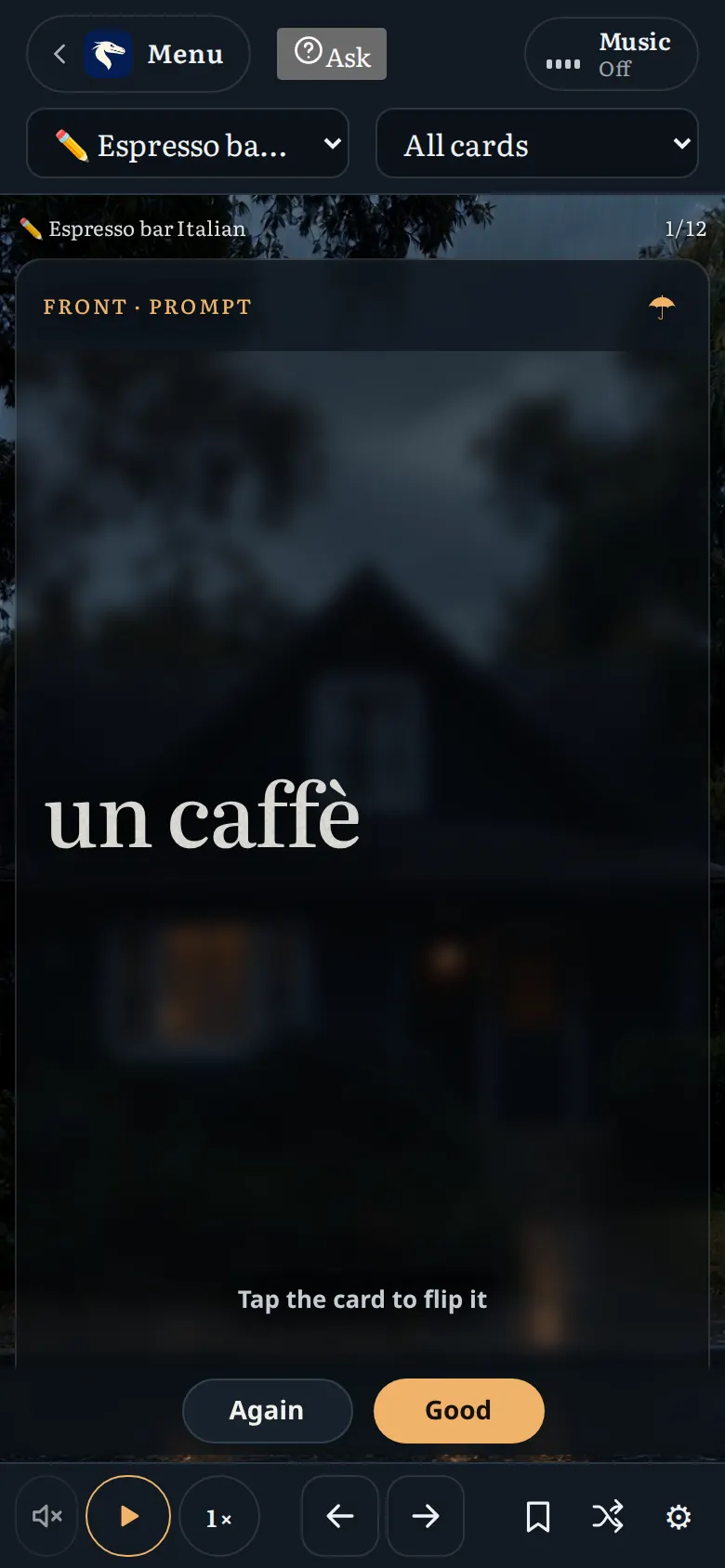
Yes. Velocer runs in any browser on your phone or computer, and your progress syncs between devices. The iPhone and Android apps are on the way.
Can I bring my Anki or NotebookLM cards?
Yes. Anki packages (.apkg) come in with their pictures and sounds, NotebookLM flashcards come in as a CSV file, and you can export back to Anki any time.
What happens to my files and data?
Your decks are private unless you share them, and we don't sell your personal information. Files you upload are sent to an AI service to write the cards. You can delete your account at any time, and everything is erased right away.